
Text-to-Video Ranked #1
Happy Horse 1.0 currently ranks first on Artificial Analysis for text-to-video without audio, giving prompt-led workflows strong third-party validation.
Create AI videos from text prompts and images with HappyHorse, a browser-based platform with multiple AI video models. Try HappyHorse 1.0, Seedance, Kling, Veo 3.1, and more with welcome credits for new accounts.
Upload 1 image for first-frame generation or 2 images for first-and-last-frame guidance.
No Videos Generated
Generate a video to preview the result here. The latest output will appear as soon as the provider returns media.
Prompt Guide
Use the quick chips to structure your prompt with subject, motion, camera, and atmosphere. That gives the model a clearer shot plan and usually improves the first pass.
Material Limits
Supported Input Combinations
Model-Specific Note
Upload 1 image for first-frame generation or 2 images for first-and-last-frame guidance.
Explore text-to-video and image-to-video examples generated with HappyHorse. See cinematic motion, stylized scenes, product-ready visuals, and short-form video concepts in action.





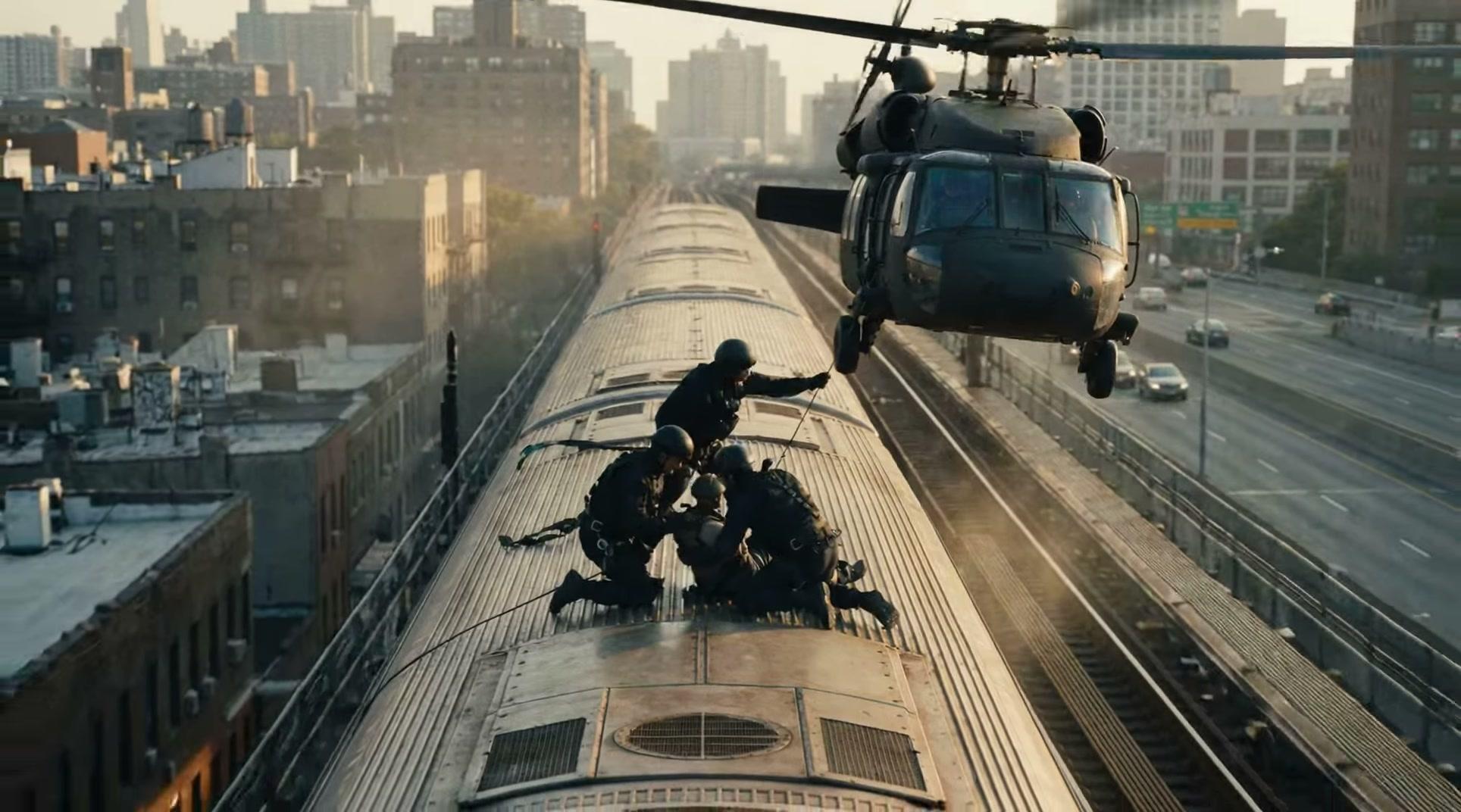


HappyHorse is an online AI video generator for text-to-video and image-to-video workflows. Use it to create product demos, social clips, launch teasers, and concept videos in a browser-based workflow.
Happy Horse 1.0 currently ranks first on Artificial Analysis for text-to-video without audio, giving prompt-led workflows strong third-party validation.
Image-driven workflows are also benchmarked at the top for no-audio generation, which makes the model credible for reference-based creation.
Happy Horse 1.0 also holds top-tier positions in the audio-enabled categories, so teams can evaluate both silent and audio-first output paths.
The browser workflow is aimed at short-form creation, product visuals, social clips, and fast iteration instead of heavyweight production tooling.
HappyHorse helps creators and marketing teams move from idea to video faster, with stronger visual control, smoother motion, and less production overhead.
Start from a prompt and turn scenes, actions, and camera directions into short-form video when you need to explore ideas quickly.
Use a reference image when you want stronger control over subject identity, composition, product framing, or visual style continuity.
Work with audio-capable models when the brief needs motion and sound to land together in one browser-based pipeline.
Use the same workflow for launch teasers, ad concepts, social clips, onboarding visuals, and storyboard previews.
Use public leaderboard signals from Artificial Analysis as external proof, then run your own tests inside the workflow.
Use public leaderboard validation, strong prompt control, and an image-assisted pipeline to move from idea to polished motion faster.
Enter your idea, choose the right mode and model, set the video options, then generate and download your result.
Describe the subject, motion, camera, and atmosphere. Add a reference image if the selected mode supports one.
Select the mode that fits your goal, then choose the model you want to use for the output.
Adjust aspect ratio, duration, quality, and the rest of the video settings before you start the task.
Generate the video, review the result, and download it or rerun with updated inputs if needed.
Use HappyHorse for product demos, launch teasers, social clips, ad creatives, onboarding videos, and storyboard previews.
Build product demo videos without leaving the browser workflow, then iterate with updated prompts, images, or settings.
Build launch teaser videos without leaving the browser workflow, then iterate with updated prompts, images, or settings.
Build social short videos without leaving the browser workflow, then iterate with updated prompts, images, or settings.
Build ad creative variations without leaving the browser workflow, then iterate with updated prompts, images, or settings.
Build onboarding walkthroughs without leaving the browser workflow, then iterate with updated prompts, images, or settings.
Build storyboard previews without leaving the browser workflow, then iterate with updated prompts, images, or settings.
Happy Horse 1.0 currently holds top positions on Artificial Analysis across text-to-video and image-to-video categories. Use the rankings as external proof, then test the workflow yourself.
Artificial Analysis currently places Happy Horse 1.0 first in the text-to-video without audio category.
Artificial Analysis currently places Happy Horse 1.0 first in the image-to-video without audio category.
Artificial Analysis currently places Happy Horse 1.0 second in both text-to-video with audio and image-to-video with audio.
Clear product identity, real testing logic, official contact points, and a live community reduce the usual uncertainty around AI video tools.
See exactly what HappyHorse is, who it is for, and how the workflow is positioned.
Read AboutWe compare for usable output, not just flashy demos. Motion, consistency, reference control, and shipping quality matter.
See How We TestOfficial email and Discord make the product feel accountable instead of anonymous.
Contact UsAnswers to common questions about HappyHorse, including text-to-video, image-to-video, free access, output quality, generation speed, commercial usage, and API access.
HappyHorse is an online AI video generator that helps you create video from text prompts or images. Happy Horse 1.0 is the model version behind the current product experience and benchmark visibility.
Yes. You can describe a scene, action, camera move, or visual style in a prompt and generate a video directly from text.
Yes. HappyHorse supports image-to-video workflows, which are useful when you want stronger control over subject identity, composition, product framing, or visual style.
Yes. HappyHorse gives new users welcome credits so you can try the workflow before upgrading to a paid plan.
HappyHorse gives you access to multiple AI video models. Selected models such as Veo 3.1 support up to 4K output, while faster browser-first models are optimized around lower resolutions and shorter-form workflows.
Generation time depends on queue status, model, and settings, but the typical workflow usually completes in about 2 to 3 minutes.
Yes. Create an account to start using HappyHorse, then use your welcome credits to test the workflow before deciding whether to upgrade.
Yes. Paid plans include commercial usage rights, so teams and creators can use HappyHorse outputs in professional and client-facing work.
Yes. HappyHorse provides API access for builders and teams who want to integrate AI video generation into products, workflows, or internal tools.
The clearest comparison point is third-party benchmark data. Artificial Analysis currently places Happy Horse 1.0 at the top of both no-audio leaderboards and near the top of both audio-enabled leaderboards.
Create text-to-video and image-to-video outputs with HappyHorse. Try the workflow online, explore benchmark-backed model performance, and turn your next idea into video faster.