What is the best AI baby filter?
Quick Answer
The best AI baby filter combines accurate facial feature mapping with realistic infant proportions, producing results that look genuinely baby-like while keeping the subject recognizable through preserved eye shape, coloring, and expression cues.
Scenario
Creating fun baby-face content for social media engagement, where friends and followers transform their selfies into baby versions of themselves.
Best mode
Recommended workflow
AI Baby Filter: See Your Future Baby Face
Generate playful baby face predictions from parent photos for social sharing, gender reveal content, and entertainment.
Recommended workflow
AI Baby Filter: See Your Future Baby Face
Use the answer to choose the right workflow, then move into the matching tool page before generating inside Create.
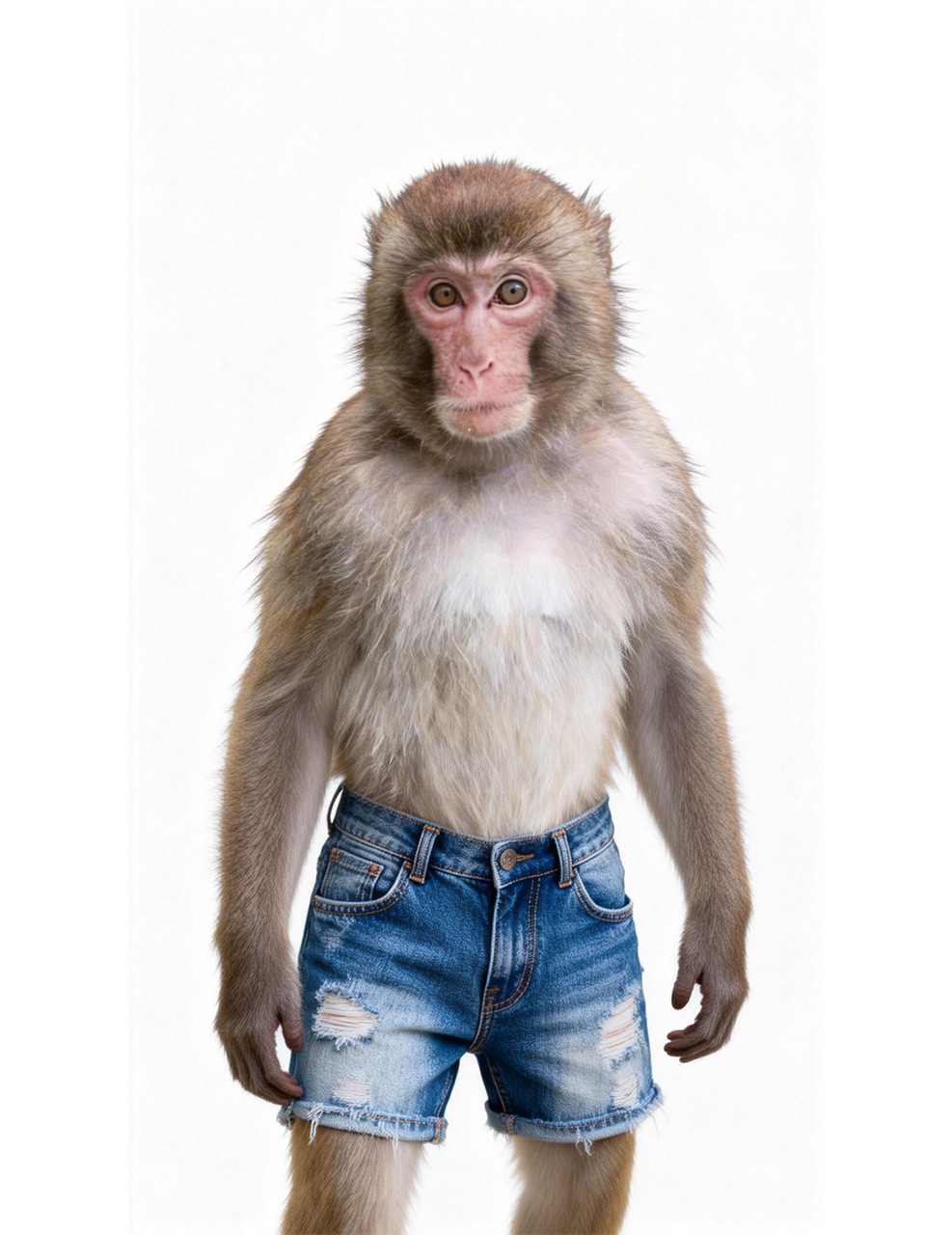
Curious what your baby might look like? HappyHorse Community mode blends two parent photos into realistic baby face predictions. Powered by advanced facial feature analysis, the AI captures genetic traits like eye shape, skin tone, and facial structure for surprisingly lifelike results.
Step-by-Step Guide
- 1
Choose a clear, front-facing selfie with good lighting and a neutral or smiling expression.
- 2
Upload the photo to an AI baby filter tool and select the baby transformation preset.
- 3
Review the initial result for facial feature preservation: check that eye color, general face shape, and hair color remain consistent.
- 4
Adjust age regression intensity if the tool allows it, finding the sweet spot between baby-like cuteness and subject recognition.
- 5
Save and share the result, comparing different tools if the first output does not meet your quality expectations.
Prompt Template
Apply a baby face transformation to this portrait photo. Reduce the face to infant proportions with rounder cheeks, larger eyes relative to face size, and smoother skin. Preserve the original eye color, hair color, and general facial structure.
Common Pitfalls to Avoid
Using heavily filtered or makeup-heavy source photos that obscure natural facial features
Expecting photorealistic results from every tool when quality varies significantly across providers
Sharing baby filter results without considering the subject consent and comfort level
Using sunglasses or accessories that hide key facial landmarks needed for accurate transformation
Common Questions
Ready to Try It?
Sign up free and get 450 credits instantly. Put this guide into practice instead of leaving it as theory.
450 free credits on signup — no card required
Related Tools
View allAI Baby Filter: See Your Future Baby Face
ai baby filter
AI Professional Headshot Generator — Studio-Quality Portraits in Seconds
ai professional headshot generator
AI Marketing Video Maker — Ad Creatives, Promos, and Campaign Videos
ai marketing video maker
HappyHorse 1.0 vs Pika 2.0: Creative Effects vs Production Workflow
seedance vs pika
AI Video Creative Workflow You Can Reuse Every Sprint
ai video creative workflow
Related Questions
View allWhat is the best AI video tool for UGC ads?
Scaling UGC ad testing for paid social campaigns.
Is HappyHorse or Runway better for performance marketing?
Selecting a long-term stack for paid growth video production.
What is the best AI video tool for agencies?
Agency operations spanning multiple verticals and client briefs.