How do I apply a Ghibli style to AI video?
Quick Answer
Use an AI video style transfer tool with a Ghibli reference image or style preset, apply it to your base footage, and refine color palette and line weight for an authentic hand-painted look.
Scenario
Transforming a realistic AI video clip into a warm, Ghibli-inspired animated scene for social media or a short film project.
Best mode
Recommended workflow
Ghibli AI Video Generator for Hand-Painted Animation Style
Create animated scenes and short films with the warmth and artistry of hand-painted Japanese animation.
Recommended workflow
Ghibli AI Video Generator for Hand-Painted Animation Style
Use the answer to choose the right workflow, then move into the matching tool page before generating inside Create.
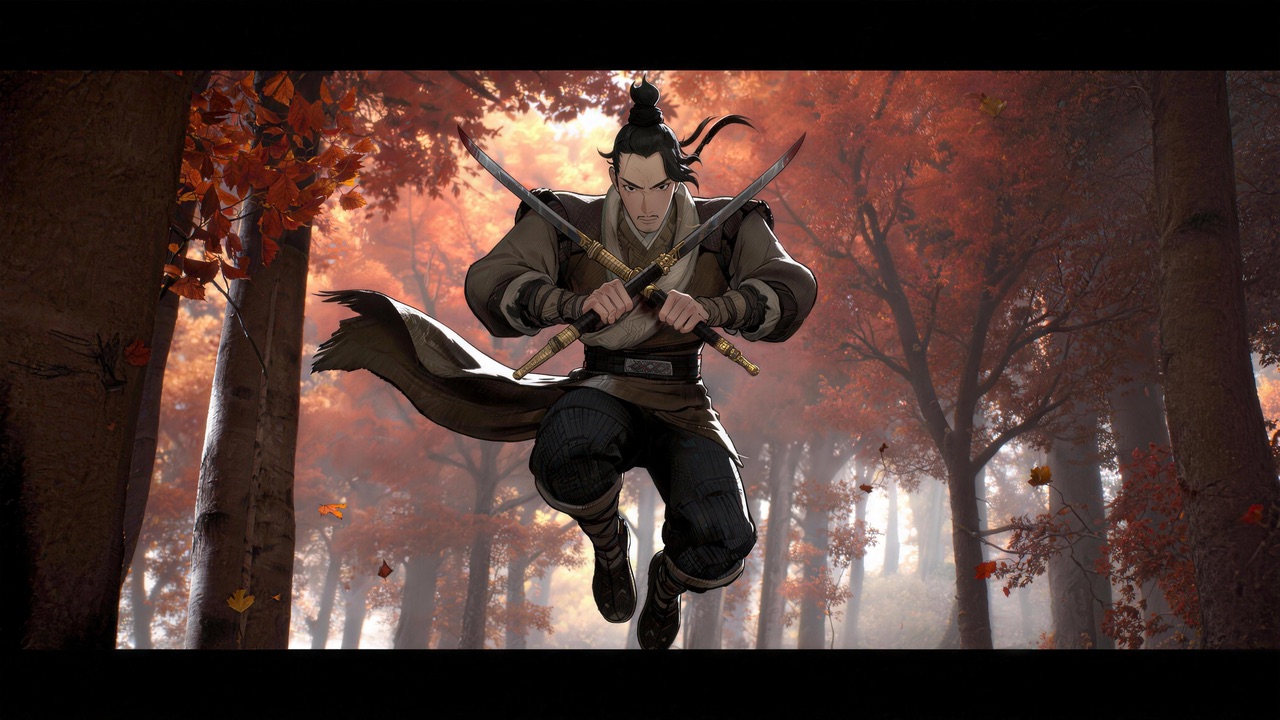
Bring the warmth and wonder of hand-painted animation to your videos. HappyHorse Lab recreates the signature Ghibli aesthetic — soft watercolor textures, dappled sunlight, lush landscapes, and gentle character motion — from any text or image prompt.
Step-by-Step Guide
- 1
Generate or select your base video clip with clear subjects and simple backgrounds.
- 2
Choose a Ghibli-style reference image that matches the mood you want, such as soft pastels for a countryside scene or muted tones for a melancholy moment.
- 3
Upload the base clip and reference image into a style transfer tool like HappyHorse, selecting the artistic style transfer mode.
- 4
Adjust parameters such as style strength, color saturation, and line weight to balance between Ghibli aesthetics and subject recognizability.
- 5
Render a short preview, review frame consistency, and re-run at full resolution once the look is locked in.
Prompt Template
Apply a Studio Ghibli-inspired painterly style to this video clip. Use soft watercolor textures, warm earthy tones, and gentle outlines. Maintain facial features and subject clarity at 70% style strength.
Common Pitfalls to Avoid
Setting style strength too high, which distorts faces and key details beyond recognition
Using a reference image with clashing color temperature that fights the source footage
Expecting pixel-perfect Ghibli replication instead of treating it as an artistic interpretation
Ignoring temporal consistency, which causes the style to flicker between frames
Common Questions
Ready to Try It?
Sign up free and get 450 credits instantly. Put this guide into practice instead of leaving it as theory.
450 free credits on signup — no card required
Related Tools
View allGhibli AI Video Generator for Hand-Painted Animation Style
ghibli ai video generator
One Visual Style, Every Asset, Zero Manual Color Grading
ai video style transfer
Text to Video AI for Repeatable Campaign Production
text to video ai
Free AI Video Generator for Fast Validation
ai video generator free
AI Music Video Generator for Repeatable Promo Assets
ai music video generator