How do I swap faces in AI video?
Quick Answer
Upload a clear source face photo and the target video, use a dedicated video face swap tool to map facial landmarks, preview the result for alignment accuracy, and export once the swap looks natural.
Scenario
Replacing a placeholder actor face with the intended talent in an AI-generated commercial draft, ensuring the swap blends naturally with expressions and lighting.
Best mode
Recommended workflow
AI Video Face Swap for Realistic Face Replacement
Replace presenter faces for regional ad localization or create personalized video content at scale.
Recommended workflow
AI Video Face Swap for Realistic Face Replacement
Use the answer to choose the right workflow, then move into the matching tool page before generating inside Create.
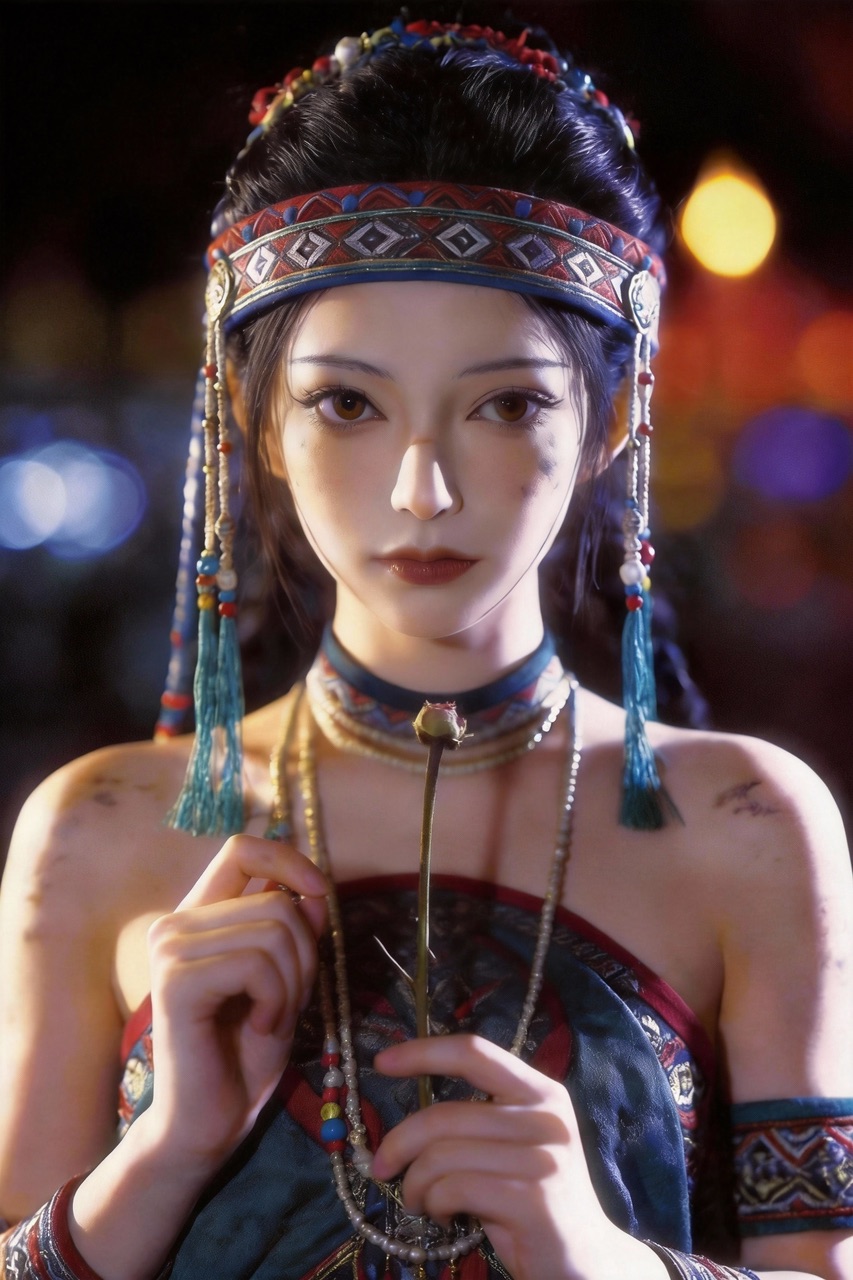
Replace faces in video while preserving natural expressions, head movement, and lighting consistency. HappyHorse Director mode ensures the swapped face adapts to scene conditions — matching shadows, color temperature, and skin texture automatically.
Step-by-Step Guide
- 1
Select a high-quality, well-lit source face photo with a neutral or matching expression to the target video.
- 2
Upload the target video clip and source face image to a video face swap tool.
- 3
Let the tool analyze facial landmarks and generate the initial swap preview.
- 4
Review the preview frame by frame, paying attention to jawline blending, skin tone matching, and expression transfer.
- 5
Adjust blending parameters such as face boundary softness and color correction, then render the final output.
Prompt Template
Swap the face in this video with the provided source photo. Match skin tone and lighting conditions. Preserve the original expressions and mouth movements. Blend face boundaries smoothly.
Common Pitfalls to Avoid
Using a source photo with dramatically different lighting angle than the target video
Selecting a source face with an expression that conflicts with the target body language
Ignoring ethical and legal requirements around consent and deepfake disclosure
Expecting perfect results on profile or extreme angle shots where facial landmarks are partially hidden
Common Questions
Ready to Try It?
Sign up free and get 450 credits instantly. Put this guide into practice instead of leaving it as theory.
450 free credits on signup — no card required
Related Tools
View allAI Video Face Swap for Realistic Face Replacement
ai video face swap
AI Video Generator for Controlled Creative Output
ai video generator
Image to Video AI That Keeps Brand Continuity
image to video ai
HappyHorse 1.0 vs Runway Gen-3 Alpha: Which Fits Your Workflow?
seedance vs runway
Ecommerce Video Ad Generator for Repeatable SKU Campaigns
ecommerce video ad generator
Related Questions
View allWhich AI video tool is best for product demo videos?
Ecommerce and SaaS product storytelling across paid and owned channels.
How do I turn product images into video ads?
Catalog-driven ad production for ecommerce products.
How do I keep character consistency in AI video?
Character-led UGC, brand mascot, or storytelling content.