How do I turn a photo into anime style?
Quick Answer
Upload your photo to an AI anime conversion tool, select an anime style preset like shonen, shoujo, or modern digital anime, adjust the transformation strength to preserve key details, and export the result.
Scenario
A content creator wants to transform travel photos into anime-style artwork for a themed social media series, maintaining location accuracy while adding a distinctive Japanese animation aesthetic.
Best mode
Recommended workflow
Photo to Anime AI: Transform Photos into Anime Art
Transform portraits and scenes into anime-style art for fan content, social media, and personal creative projects.
Recommended workflow
Photo to Anime AI: Transform Photos into Anime Art
Use the answer to choose the right workflow, then move into the matching tool page before generating inside Create.
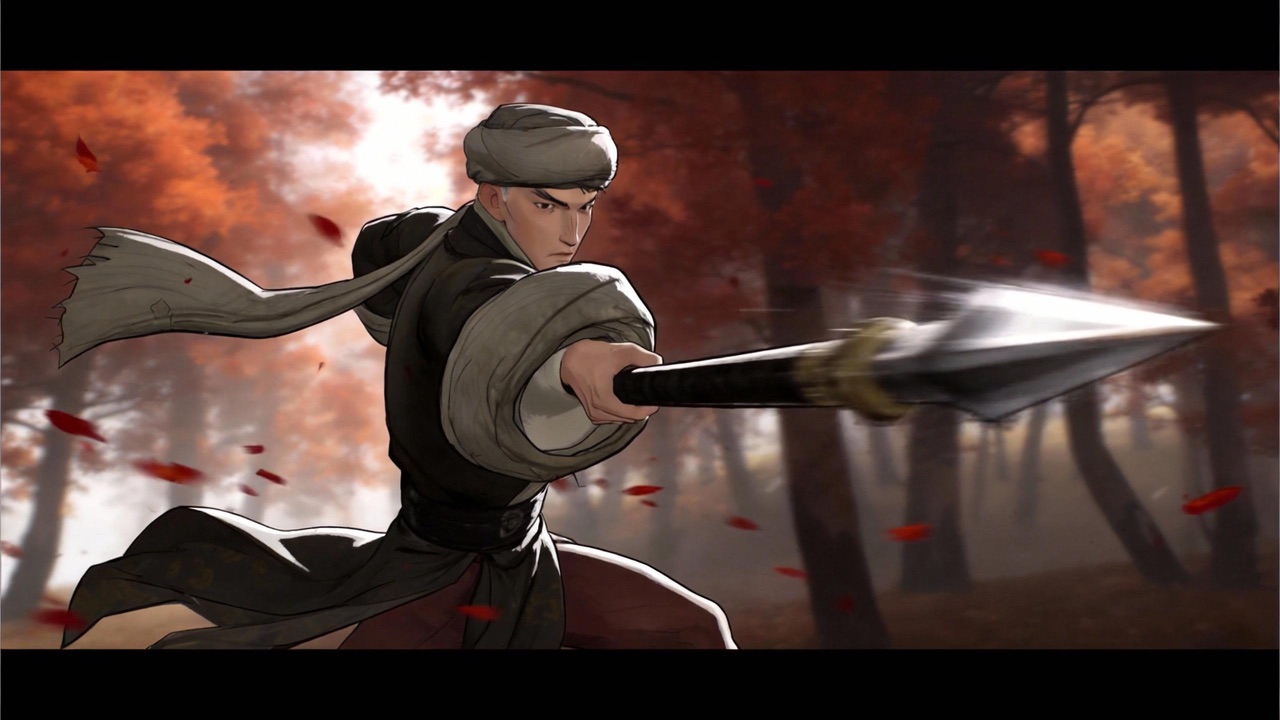
Go beyond basic anime filters. HappyHorse Lab mode applies deep anime stylization that understands composition, lighting, and character design conventions. Whether you want soft Ghibli watercolors or bold shonen line art, the AI adapts each photo into genre-authentic anime illustrations.
Step-by-Step Guide
- 1
Select photos with strong composition and clear subjects, as these translate best into anime style.
- 2
Upload to an AI photo-to-anime tool and explore available anime style presets to match your creative vision.
- 3
Set the style transfer strength: start at medium intensity and increase gradually to find the right balance.
- 4
Check that important details like facial features, architectural elements, and text are preserved accurately.
- 5
Export at high resolution and batch-process remaining photos using the same settings for series consistency.
Prompt Template
Convert this photograph into modern anime art style. Use clean line work, cel-shading with vibrant colors, and anime-proportioned features for any people in the scene. Preserve the original composition and location details.
Common Pitfalls to Avoid
Choosing a style intensity so high that the photo loses all photographic detail and becomes unrecognizable
Expecting Western cartoon results from anime-specific tools, which are trained on different aesthetic conventions
Processing low-resolution source photos that lack the detail needed for quality anime conversion
Not testing the chosen style on multiple photos before committing to a full batch conversion
Common Questions
Ready to Try It?
Sign up free and get 450 credits instantly. Put this guide into practice instead of leaving it as theory.
450 free credits on signup — no card required
Related Tools
View allPhoto to Anime AI: Transform Photos into Anime Art
photo to anime ai
AI Cartoon Filter Generator: Photos to Cartoon Art Instantly
ai cartoon filter generator
Text to Video AI for Repeatable Campaign Production
text to video ai
Free AI Video Generator for Fast Validation
ai video generator free
AI Music Video Generator for Repeatable Promo Assets
ai music video generator