
The AI Video Generator for Ecommerce Ads That Actually Looks Like a Campaign
How to use an AI video generator for ecommerce ads, from prompt structure to product-shot style, and why HappyHorse is the best first tool to test.
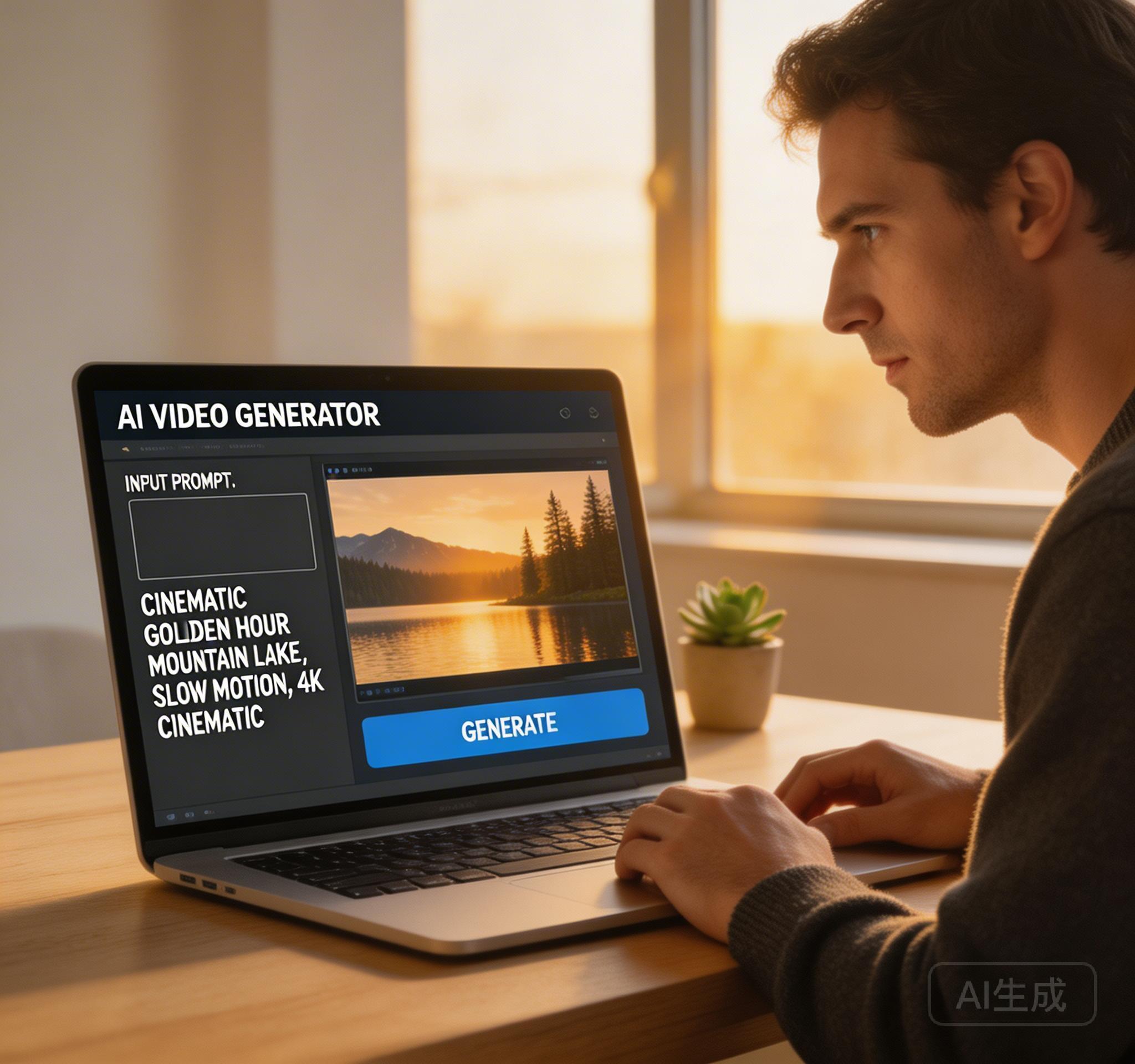
What Ecommerce Teams Actually Need
An ecommerce team does not need a random AI clip. It needs something that looks close enough to a campaign asset that it can be used for a landing page, a paid social test, or a product launch teaser.
That means the winning AI video generator is not the one that creates the wildest result. It is the one that gives you premium-looking product motion, clear framing, and repeatable visual quality.
Why HappyHorse Is a Strong Fit for Ecommerce Ads
HappyHorse is currently one of the strongest first tools to test for ecommerce ads because its benchmark story lines up with what product teams actually want: polished visuals, cleaner image-to-video quality, and strong short-form results.
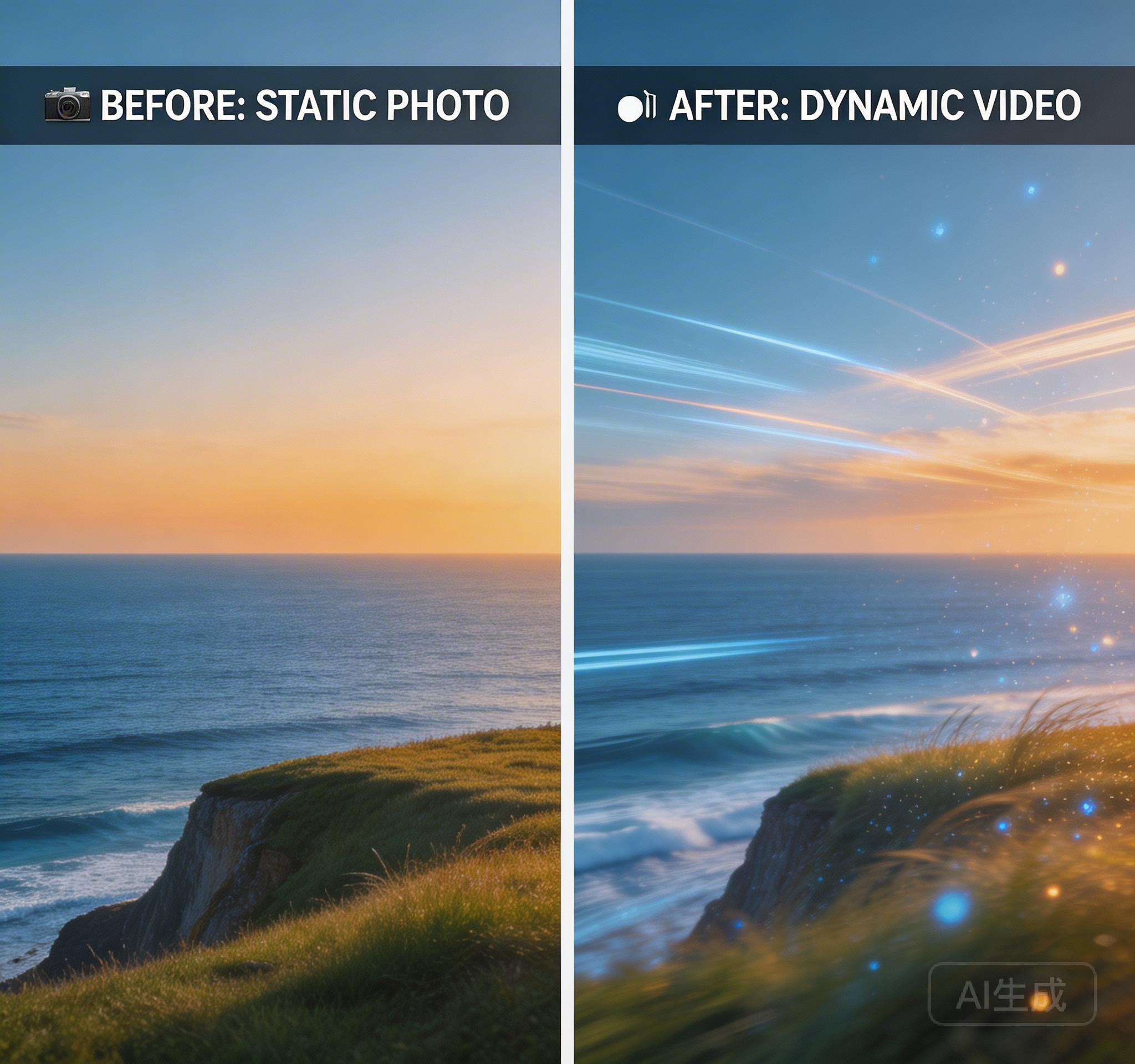
That matters when your input is already a product image, packaging shot, or brand reference. In those cases, the model does not need to invent a world from scratch. It needs to animate an existing visual identity without making it look cheap.
The Prompt Structure That Converts Better
The best ecommerce prompts are not long because they are long. They are structured. A strong prompt usually covers the hero product, material surface, camera move, lighting, and final frame goal.
For example, instead of 'make a skincare ad', you want something closer to 'premium skincare bottle on marble, soft moving daylight, slow orbital camera, luxury beauty commercial feel, clean centered ending frame'. That gives the model a commercial layout instead of a vague request.
- Name the hero object clearly
- Specify material and texture
- Give one camera motion, not three
- Describe the final ad-worthy frame
What to Test First
Start with one product-ad prompt and one image-to-video test using the same hero image. Then compare which version looks more usable as a real campaign asset.
If you need a strong first prompt, use our dedicated commercial page at /happyhorse-video-prompts/product-ads. If the campaign needs more atmosphere or teaser energy, the cinematic page at /happyhorse-video-prompts/cinematic-b-roll gives you a better starting point.
The Practical Rule
If your AI video output still looks like a test, the problem is usually not only the model. It is often the page brief. Ecommerce ads reward clarity, controlled motion, and visual hierarchy.
That is why the right AI video generator for ecommerce ads is the one that helps you create product-first, campaign-ready motion fast — and right now HappyHorse is one of the best tools to test for that job.
Try HappyHorse free
Create your first AI video in under 3 minutes. No credit card needed. New users get welcome credits instantly.