
AI Video Generator Free Online: Create Videos from Text and Images
Use HappyHorse to generate AI videos online for free. No download needed. Text-to-video and image-to-video with the #1 ranked model. Start with welcome credits.
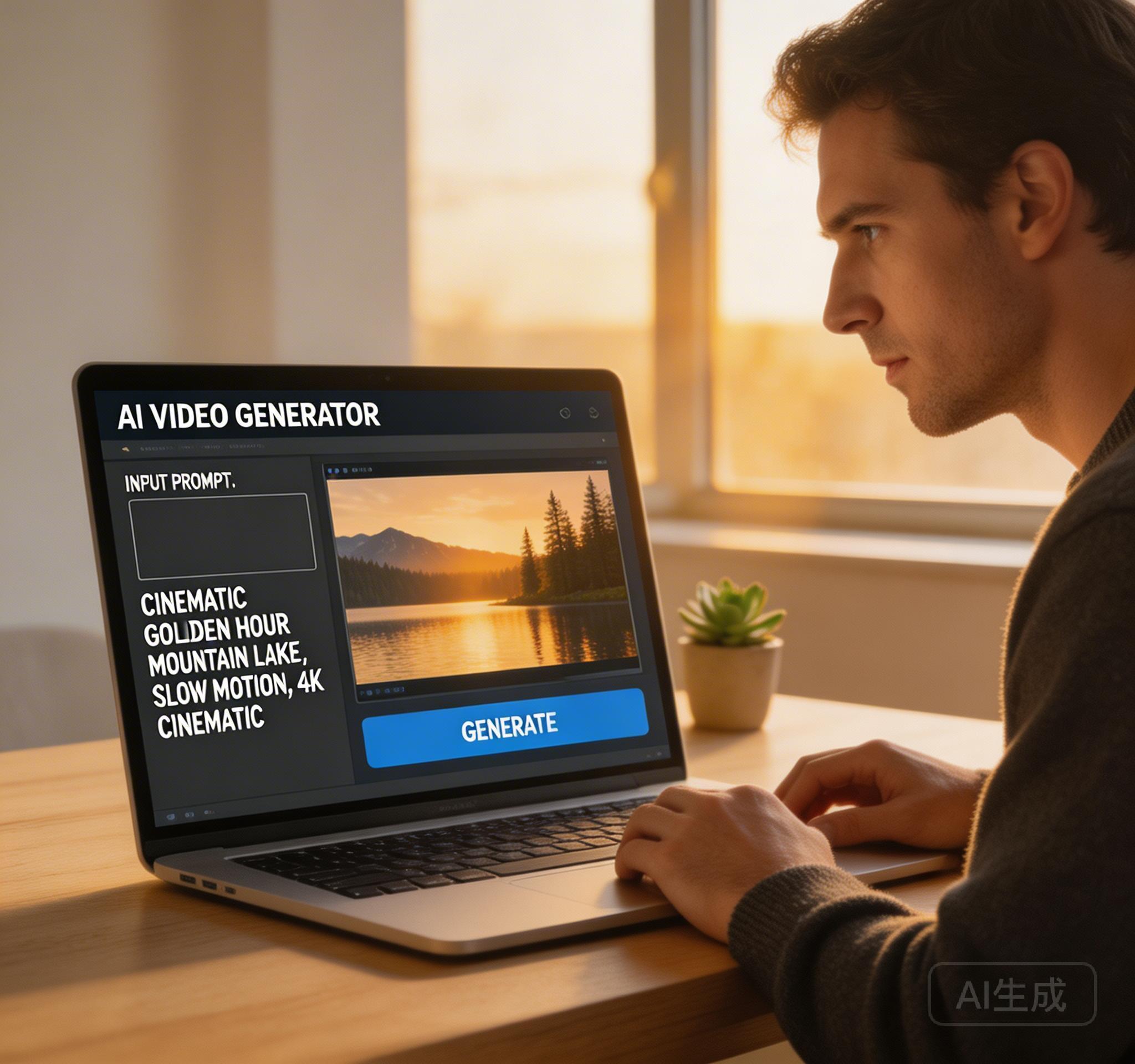
What Is a Free Online AI Video Generator?
A free online AI video generator is a browser-based tool that creates videos from text prompts or reference images using artificial intelligence. You do not need to download software, install plugins, or have video editing experience. The AI handles motion, camera work, and visual composition automatically.
HappyHorse is an online AI video generator that gives new users free welcome credits. The generator runs entirely in your browser — sign up, enter a prompt, choose your settings, and generate a video in about 2–3 minutes.
How to Generate AI Video for Free
Getting started with free AI video generation takes less than two minutes. Here is the step-by-step process using HappyHorse.
- Step 1: Visit happyhorses.co and create a free account
- Step 2: You receive welcome credits automatically — no credit card required
- Step 3: Choose Text-to-Video or Image-to-Video mode
- Step 4: Enter your prompt describing the scene, motion, and style
- Step 5: Set resolution (up to 1080p), duration (4–15 seconds), and aspect ratio
- Step 6: Click Generate and wait 2–3 minutes for your video
- Step 7: Preview, download, or regenerate with adjusted settings
Text-to-Video vs Image-to-Video: Which Mode to Use
Text-to-video is best when you are exploring ideas. Describe a scene, character, or concept and let the AI interpret it visually. This mode works well for social content, ad concepts, and creative exploration.
Image-to-video is best when you need visual control. Upload a product photo, character reference, or brand asset and the AI animates it into motion. This mode is ideal for product demos, launch teasers, and consistent brand visuals.
What Can You Create with Free AI Video?
Free credits are enough to test the full workflow and generate several videos. Common use cases include product demo clips, social media short videos, ad creative variations, onboarding walkthroughs, and storyboard previews.
When you are ready for more volume, HappyHorse offers plans starting at $19.90/month with 50% already discounted. New users can also use code HAPPYHORSE10 for an extra 10% off their first order.
For a complete beginner walkthrough covering prompt writing, mode selection, and video settings, visit /blog/how-to-make-ai-video. If you want to animate a photo or product image instead of writing a prompt from scratch, see the image-to-video guide at /blog/image-to-video-ai-generator.
Try HappyHorse free
Create your first AI video in under 3 minutes. No credit card needed. New users get welcome credits instantly.