
HappyHorse vs Seedance: Which AI Video Model Wins for Commercial Work?
A practical HappyHorse vs Seedance comparison for teams choosing between benchmark quality, control, multilingual workflows, and ad-ready output.
The Real Question: Which Model Fits the Job Better?
HappyHorse vs Seedance is not a generic leaderboard debate. The useful question is narrower: which model gives your team the fastest route to a usable commercial clip?
If your workflow is prompt-to-result speed, benchmark-backed visual quality, and browser-based execution, HappyHorse has the cleaner short path. If your workflow depends on heavier multimodal reference combinations and broader input flexibility, Seedance still deserves serious attention.
Where HappyHorse Has the Stronger Case
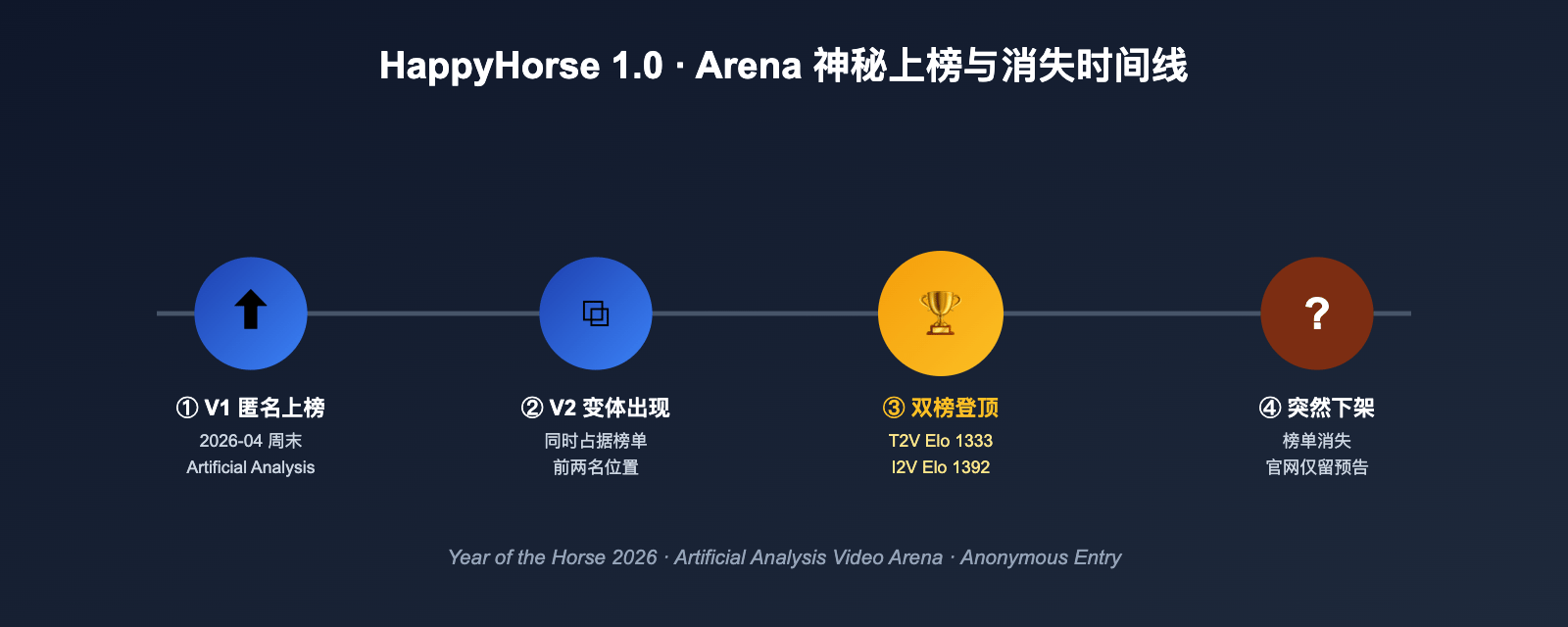
HappyHorse currently has the sharper benchmark story. On public comparisons, it has shown stronger no-audio text-to-video and image-to-video performance, which matters for ad creative, product visuals, and polished short-form motion.
That edge matters most when the output must already feel close to final: a landing-page teaser, an ecommerce product ad, a founder launch clip, or a polished social creative test.
- Best when visual polish matters more than workflow complexity
- Strong fit for product ads and premium short-form creative
- Easier story for teams that want one browser-based tool, not a multi-tool stack
Where Seedance Still Has an Advantage
Seedance remains attractive when your process depends on complex reference-driven generation. Teams that want to combine images, videos, and audio references in more flexible ways may still prefer Seedance for certain workflows.
That matters less for simple prompt-led ads, but more for teams doing iterative creative operations where input control is part of the core process rather than a nice-to-have.
Which One Should an Ecommerce Team Pick?
If you are producing ecommerce ads, start with HappyHorse. The reason is simple: benchmark-led quality plus a faster browser-based workflow is more useful than theoretical flexibility when you need to ship product creative this week.
If your team later needs more complex multi-reference orchestration, you can still benchmark Seedance on the same creative brief. But for first-pass product motion, premium packshot vibes, and quick ad concept validation, HappyHorse is the better first test.
Best Next Step
The fastest way to compare them is not reading another article. It is taking the same product-ad prompt and running it side by side.
Start with our commercial prompt breakdown at /happyhorse-video-prompts/product-ads. If you are working on more atmospheric teaser footage instead of a direct ad, the cinematic option at /happyhorse-video-prompts/cinematic-b-roll is a better first test.
Try HappyHorse free
Create your first AI video in under 3 minutes. No credit card needed. New users get welcome credits instantly.