How do I turn a photo into a cartoon with AI?
Resposta rápida
Upload your photo to an AI cartoon generator, choose a cartoon style preset such as comic book, Disney, or flat illustration, adjust the transformation strength to balance detail and stylization, then export.
Cenário
Creating cartoon-style profile pictures for a social media campaign where team members get illustrated avatar versions of their headshots.
Melhor modo
Workflow recomendado
AI Cartoon Filter Generator: Photos to Cartoon Art Instantly
Transform personal photos into shareable cartoon artwork for social profiles, gifts, and creative projects.
Workflow recomendado
AI Cartoon Filter Generator: Photos to Cartoon Art Instantly
Esta pagina serve para decidir primeiro, depois levar voce para a ferramenta certa e so entao para a execucao no Create.
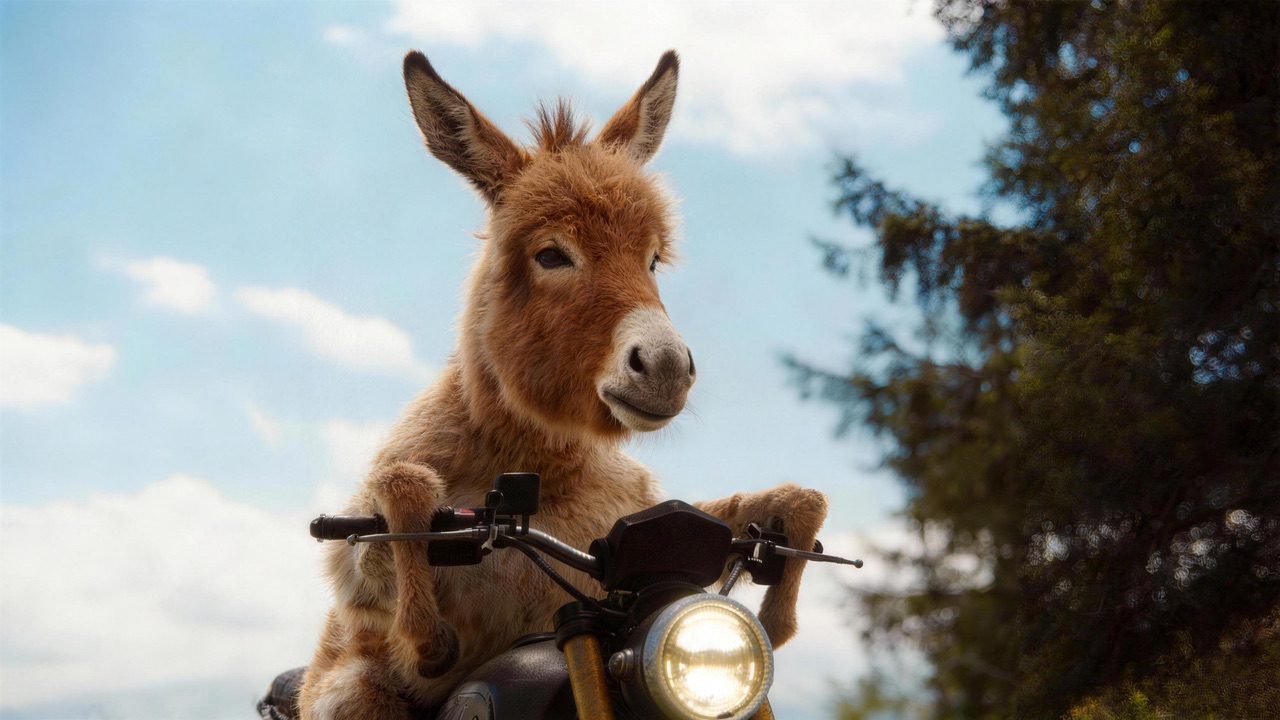
Turn portraits, group shots, and pet photos into stunning cartoon artwork. HappyHorse Community mode offers a library of cartoon styles — from classic anime to Pixar-inspired 3D — with fine control over stylization strength so your subject stays recognizable.
Guia passo a passo
- 1
Select clear, well-lit headshot photos with plain backgrounds for each team member.
- 2
Upload photos to an AI cartoon generator and browse available style presets to find the right look.
- 3
Choose a consistent cartoon style across all portraits to maintain brand cohesion in the campaign.
- 4
Adjust transformation intensity for each photo individually, ensuring facial features remain recognizable.
- 5
Export all cartoonized portraits at uniform dimensions and apply consistent background colors if needed.
Template de prompt
Transform this headshot photo into a clean cartoon illustration. Use bold outlines, vibrant flat colors, and a friendly expression. Preserve the person recognizable features including hairstyle, glasses, and facial structure.
Erros comuns para evitar
Using group photos instead of individual headshots, which confuses the cartoonization model
Setting transformation too aggressive, making subjects unrecognizable
Mixing different cartoon styles in the same campaign or project
Not checking how the cartoon version looks at small avatar sizes where detail may be lost
Perguntas comuns
Pronto para testar?
Cadastre-se gratis e receba 450 creditos na hora. Coloque este guia em pratica agora.
450 creditos gratis no cadastro — sem cartao
Ferramentas relacionadas
Ver tudoAI Cartoon Filter Generator: Photos to Cartoon Art Instantly
ai cartoon filter generator
Image to Video AI That Keeps Brand Continuity
image to video ai
AI Marketing Video Maker — Ad Creatives, Promos, and Campaign Videos
ai marketing video maker
HappyHorse 1.0 vs Pika 2.0: Creative Effects vs Production Workflow
seedance vs pika
AI Video Creative Workflow You Can Reuse Every Sprint
ai video creative workflow
Perguntas relacionadas
Ver tudoWhat is the best AI video tool for UGC ads?
Scaling UGC ad testing for paid social campaigns.
Is HappyHorse or Runway better for performance marketing?
Selecting a long-term stack for paid growth video production.
What is the best AI video tool for agencies?
Agency operations spanning multiple verticals and client briefs.